03 / FOCUSED READING
A space to
lose yourself in.
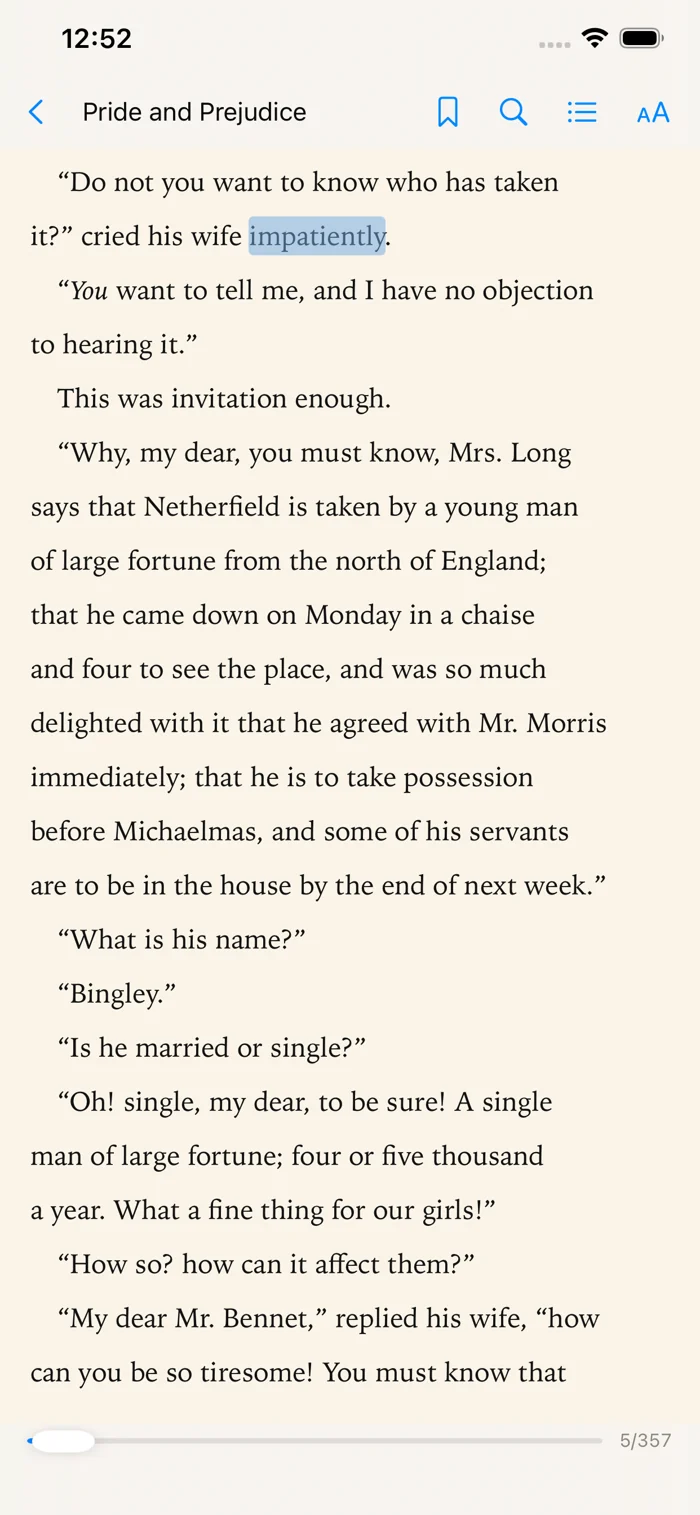
Bring your EPUBs and PDFs into a personal library. Set the type, choose a reading theme, and settle into the page. Reading, bookmarks, and quotes work without an account.
 BeyondRead.
Understand books with AI, without leaving the book.
No account for reading · Books stay on your device · iPhone & iPad
NEW IN 2.0.3 · LISTEN AND ASK
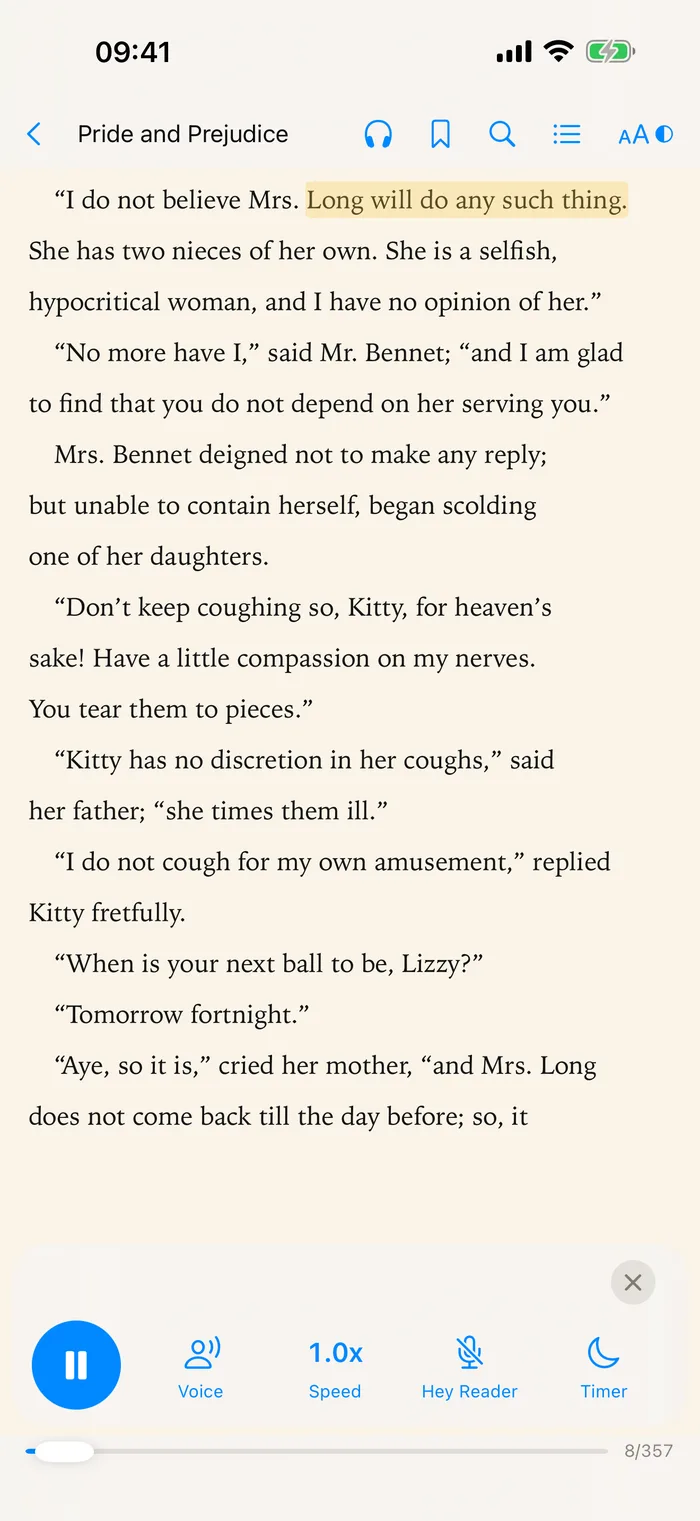
Any classic in the library becomes an audiobook. While it reads, say “Hey Reader” and ask about the book. It pauses, answers out loud, and picks up where it left off when you say “continue”.
Who is Mr. Collins? What does “entailed” mean? Ask out loud mid-chapter, while you walk or cook.
The free System Voice reads any EPUB. Want something closer to an audiobook? Try a lifelike Premium Voice on five minutes of any book.
Speed from 0.5x to 2x, a sleep timer, and lock-screen controls.
MAKE ROOM FOR UNDERSTANDING
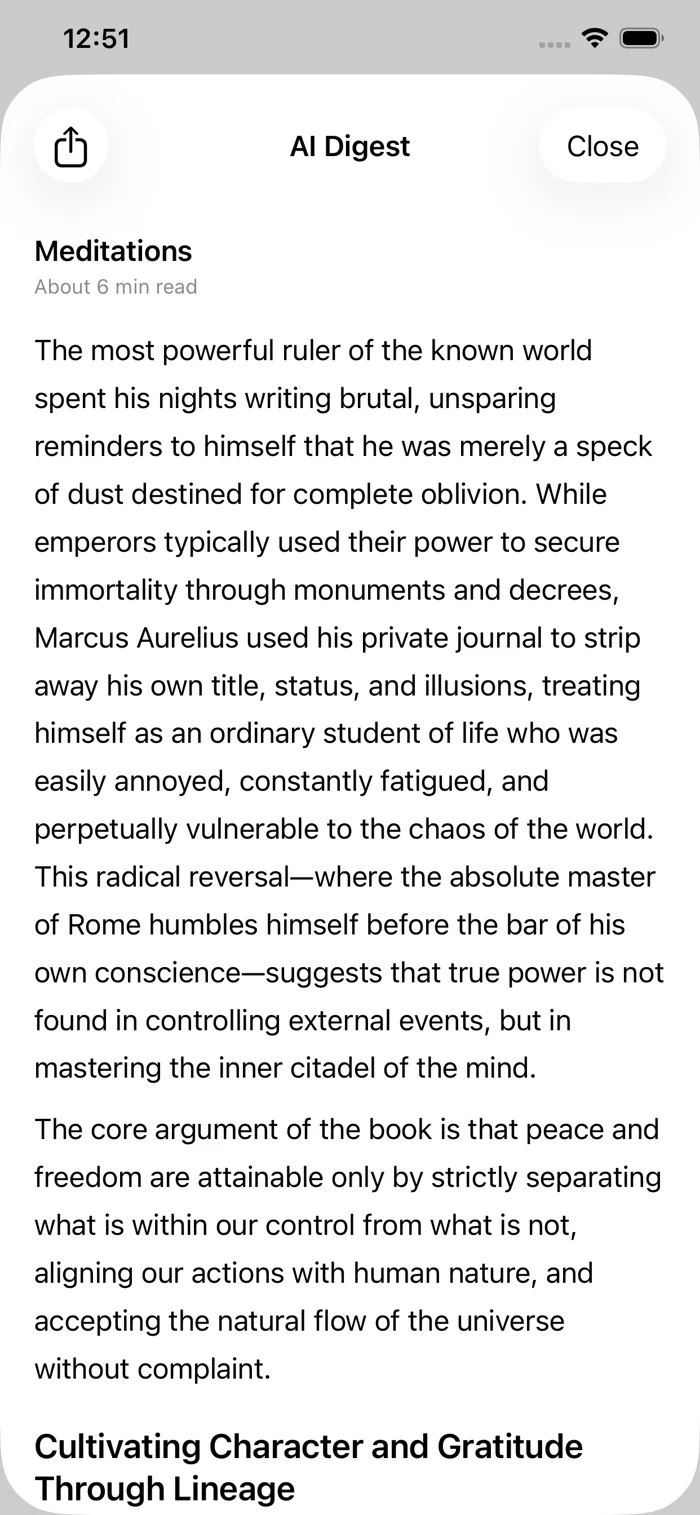
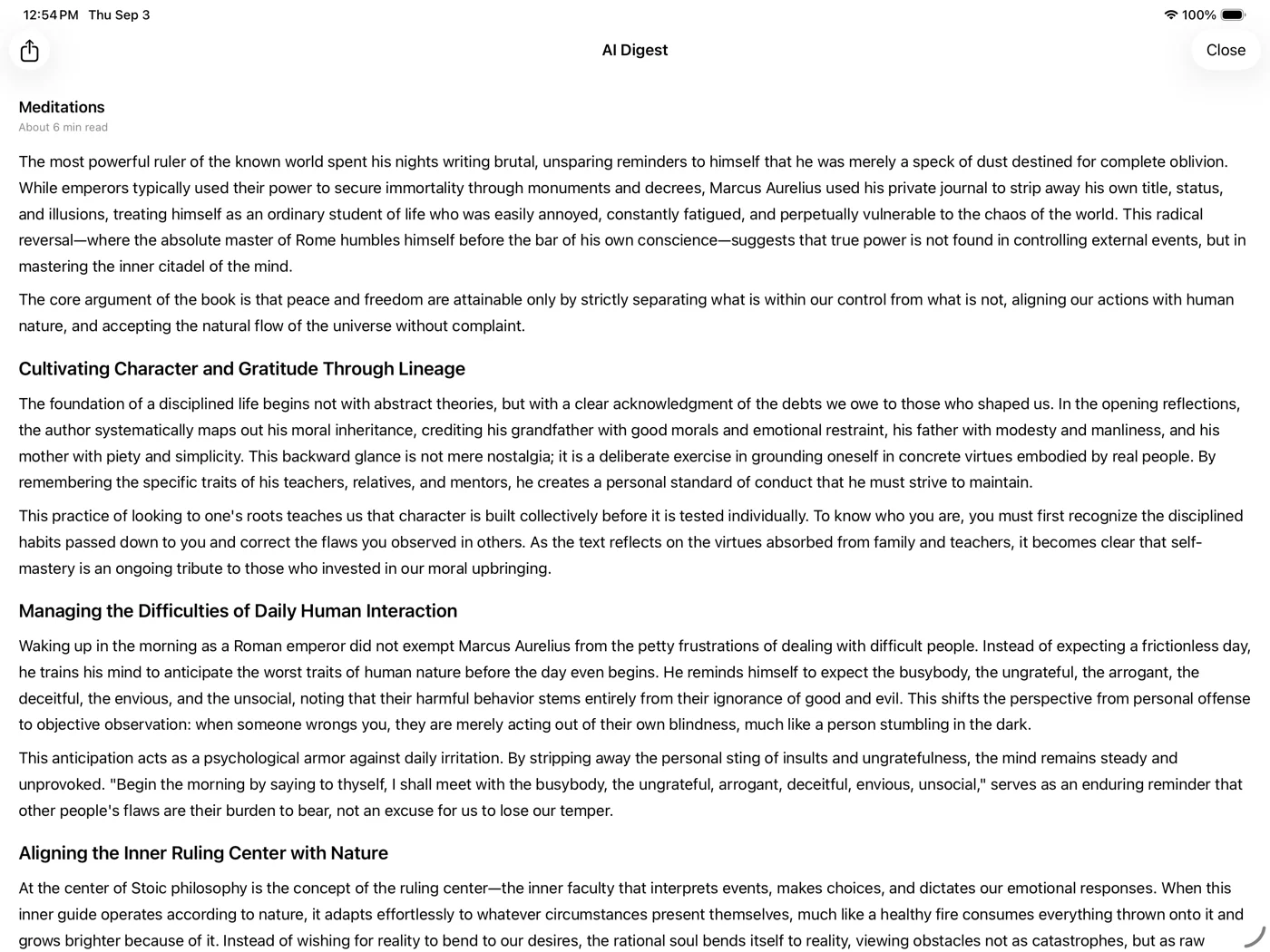
Hold a book in your library and choose AI Digest. Explore an introduction based on the title, outline, and short chapter excerpts, then read with a clearer sense of the ideas.
Start with a book in your own library.
Discover the main ideas and how they connect.
Return to the pages and follow what interests you.
02 / SELECT & EXPLAIN
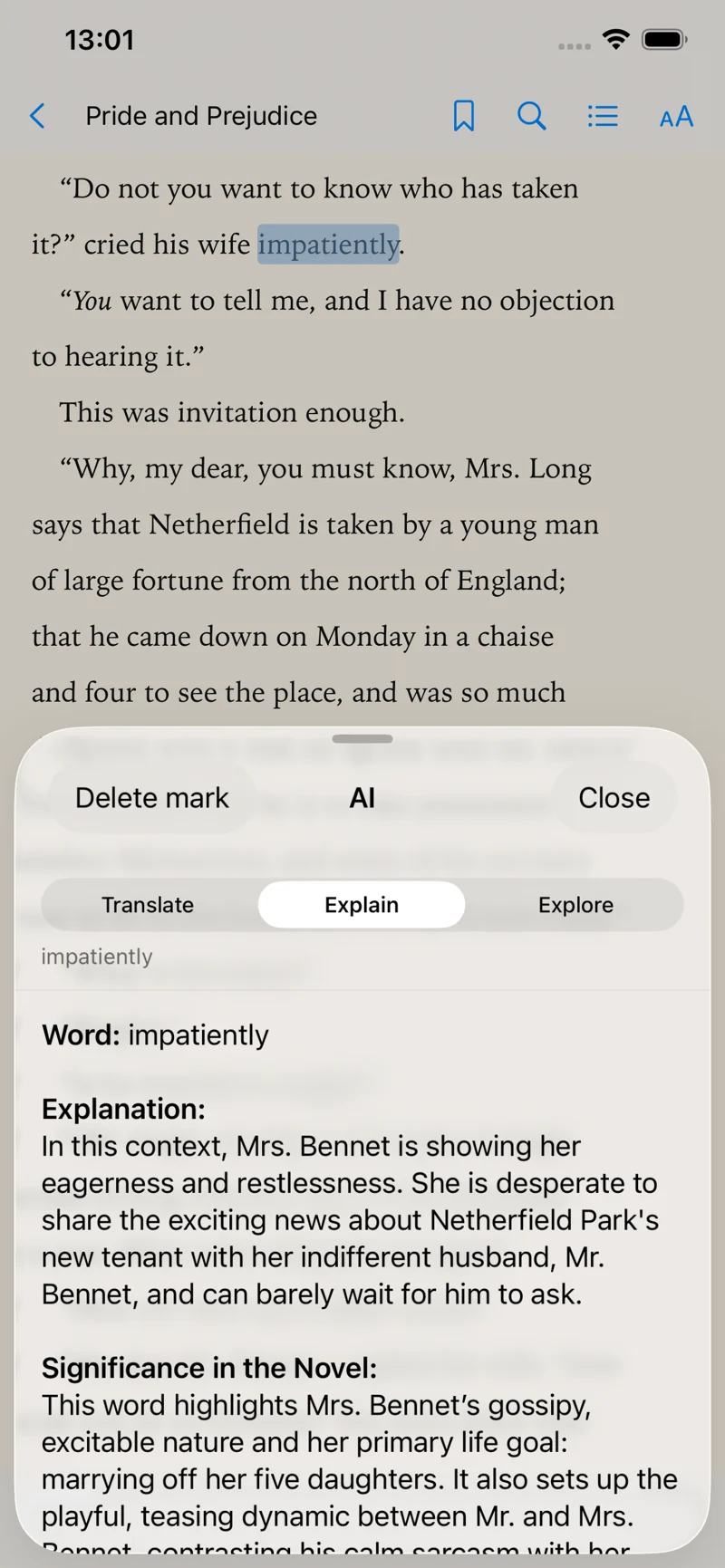
A word you don’t know. A sentence you want to unpack. Select a passage and get help in the context of the book—without leaving your place.
Read across languages, with the surrounding passage as context.
Explore meaning, references, and the ideas between the lines.
Ask your own questions and follow the conversation further.
NEW IN 2.0 · THE LIBRARY
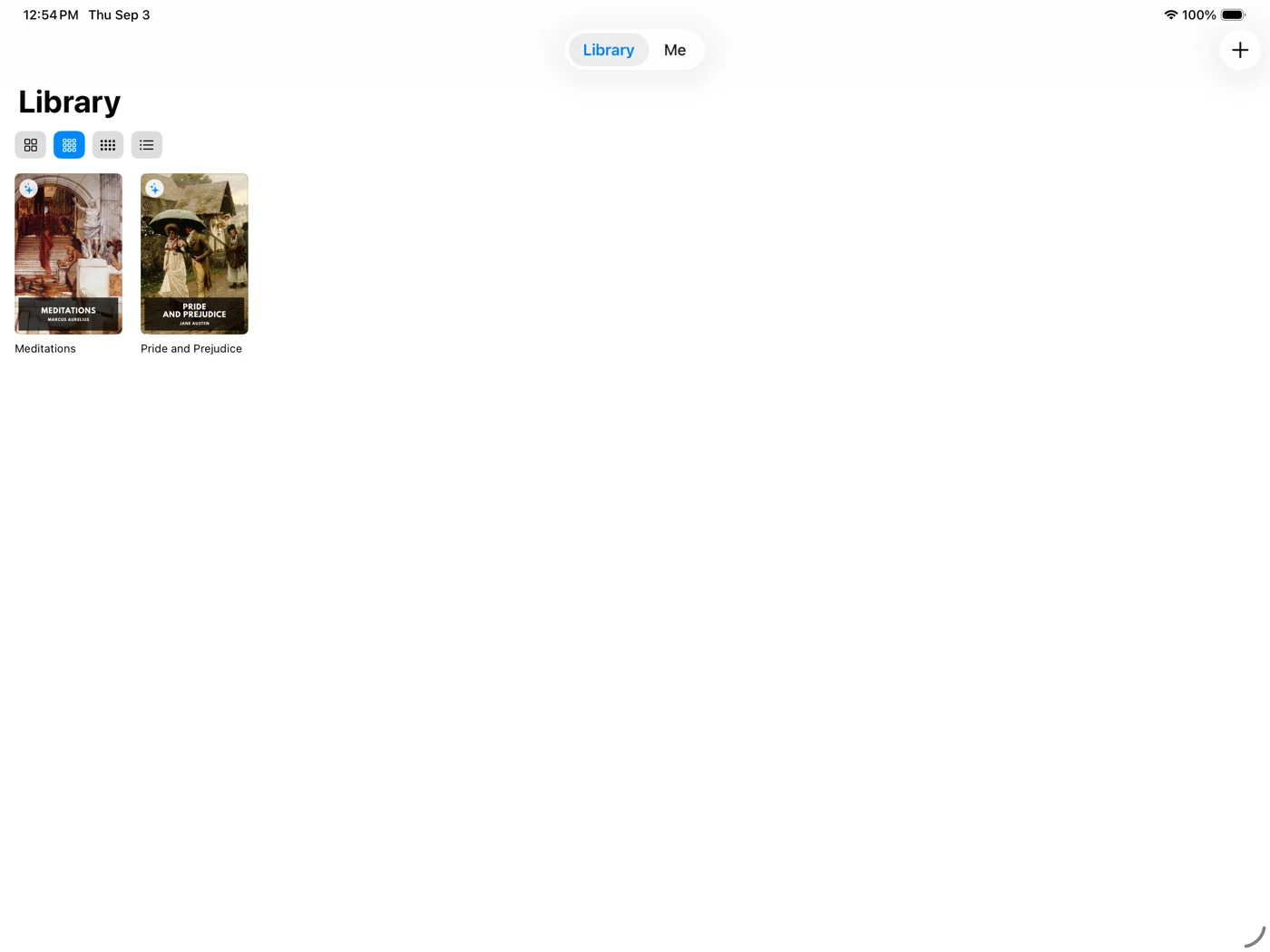
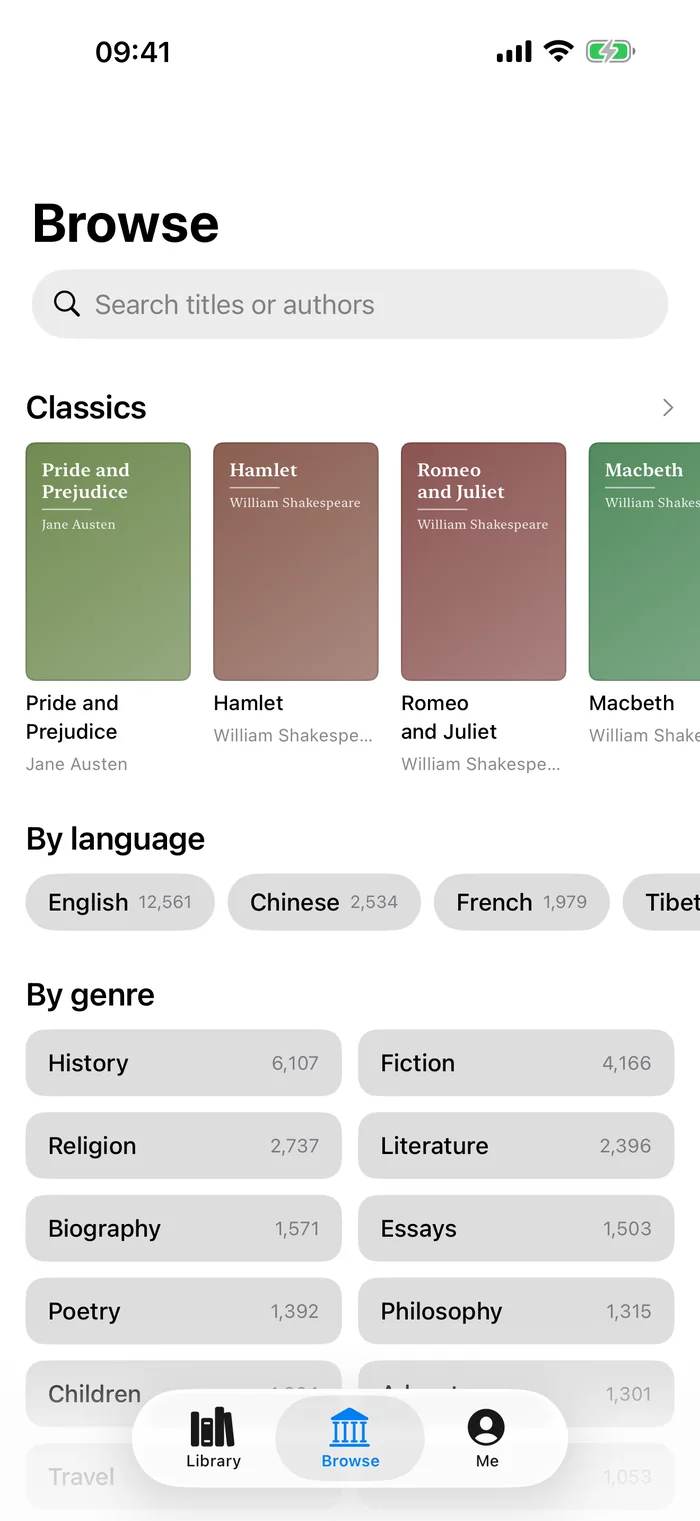
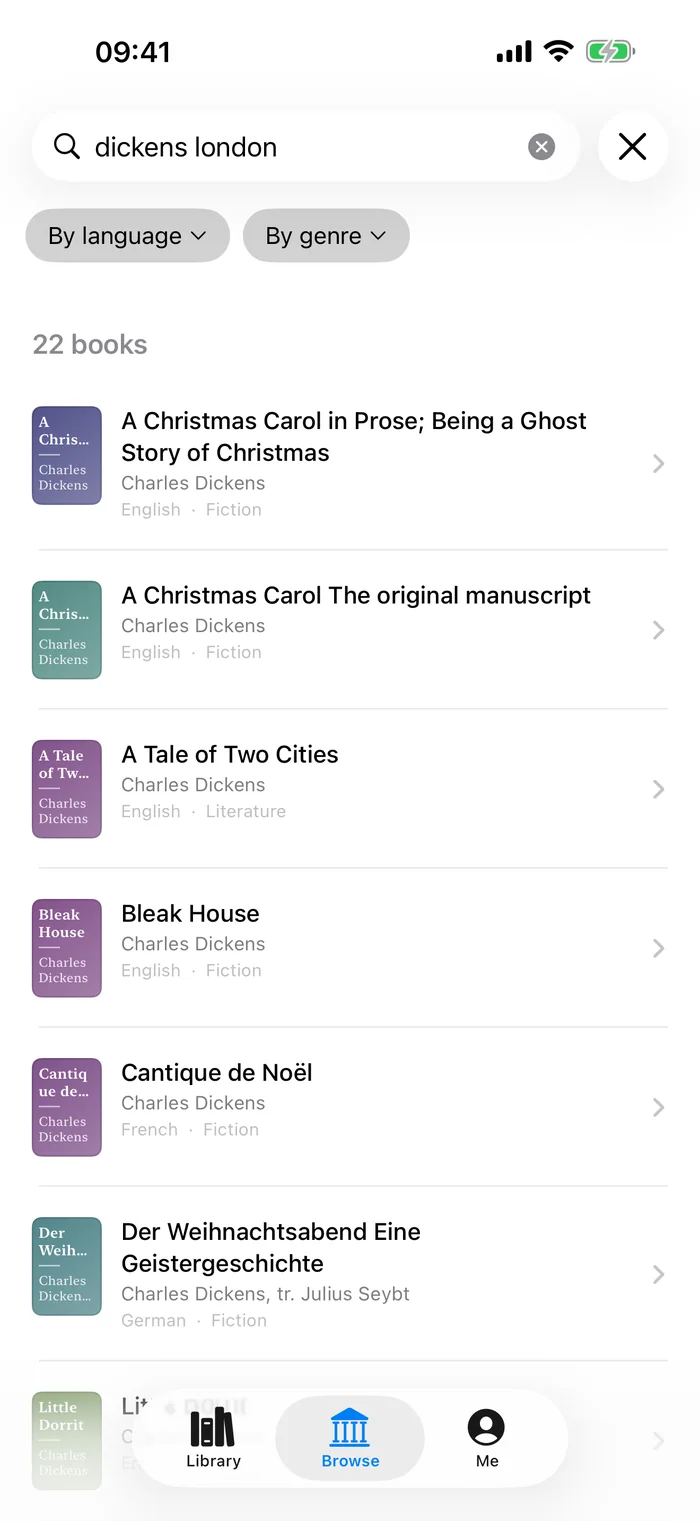
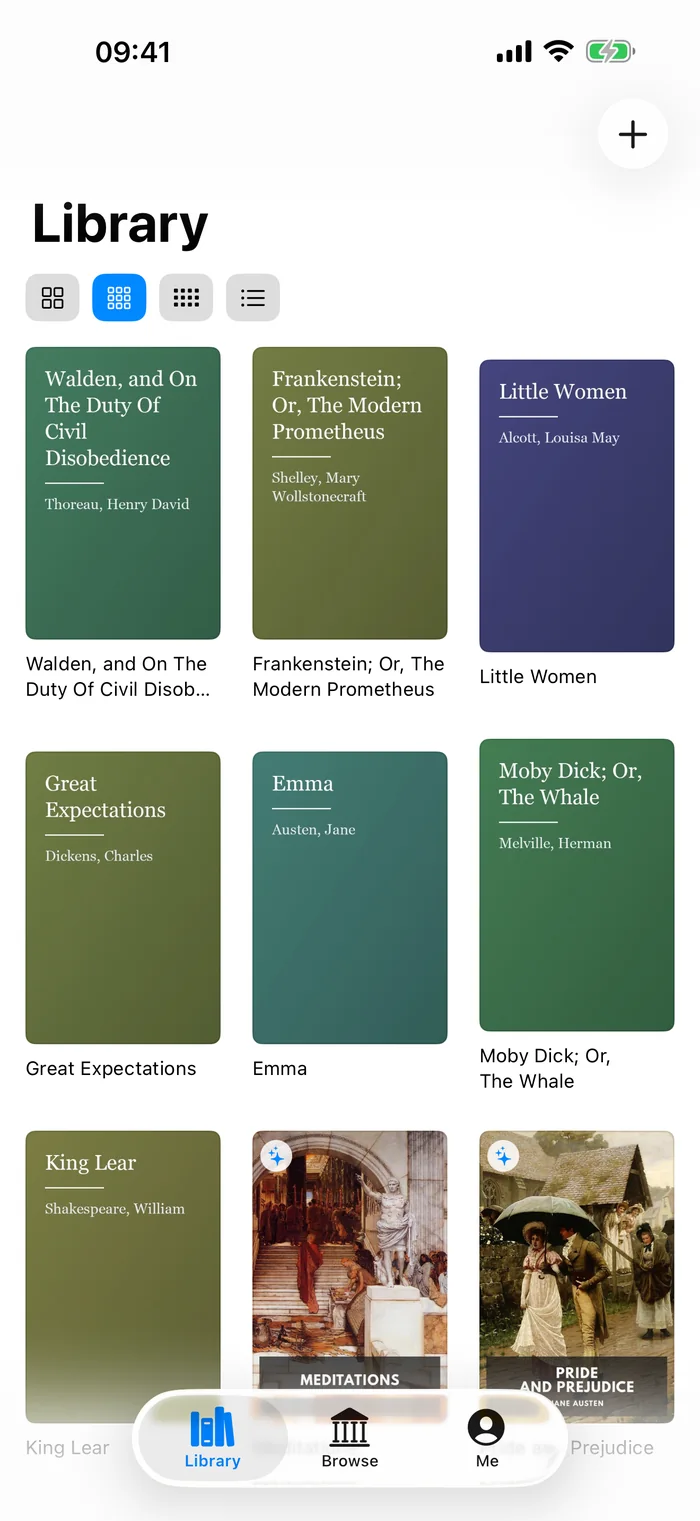
A built-in library of public-domain books: novels, poetry, philosophy, history. Add a book to your shelf and it’s yours—it reads offline and works with AI Digest and AI Explain.
REAL APP SCREENS · SEARCH · BROWSE · YOUR SHELF
03 / FOCUSED READING
Bring your EPUBs and PDFs into a personal library. Set the type, choose a reading theme, and settle into the page. Reading, bookmarks, and quotes work without an account.
THE WORDS THAT STAY
Save a passage, find it again, or make it a quote card to share. Your personal collection of sentences worth a second read.
“I will be calm. I will be mistress of myself.”
A line worth keeping.
A LOOK INSIDE
See a real reading session: select a passage, explore an explanation, and ask a follow-up question.
Real iPhone recording · English interface · No audioA PERSONAL LIBRARY SHOULD FEEL PERSONAL
Your imported files, the classics you download, reading progress, bookmarks, and quotes stay locally on your device.
AI features require sign-in and consent. Selected text, relevant context, or chapter excerpts are sent for processing—not your entire ebook file.
Browsing the library needs no account and isn’t linked to you; we keep only daily totals. AI requests and answers are retained as described in the privacy policy. You can turn off AI and keep reading.
FAQ
Yes. BeyondRead 2.0 is on the App Store for iPhone and iPad running iOS 17 or later, in most countries and regions. It is not offered in mainland China, where a separate edition is pending its filing.
About 20,000 public-domain books in 42 languages—fiction, poetry, philosophy, history and more. Browsing, searching and downloading are free and need no account. Each book’s page shows why it is free to read and where the text comes from. The selection depends on your App Store country, because copyright terms differ.
Yes, since version 2.0.3. Tap the headphones in any EPUB, including every book in the free library. The System Voice is free and works offline. A lifelike Premium Voice can be tried on five minutes of a book, then bought per book and per voice; prices are shown in the app. Premium Voice sends the text being read to our narration provider to make the audio. PDFs aren’t read aloud.
Yes. BeyondRead supports EPUB and PDF, plus some DRM-free MOBI and AZW files. It does not remove DRM and does not sell books; the free library sits alongside your own files on the same shelf.
For reading, yes. Books you import or download from the library read offline, with local bookmarks and quotes, and no account. Browsing the library and new AI translations, explanations and digests need an internet connection; AI also needs sign-in.
The free plan includes 10 AI chats a month and 3 whole-book digests to keep; translation has its own allowance. For more, choose an optional monthly subscription or a one-time AI top-up pack whose credits never expire. Prices are shown in the app.
Your books and reading data are stored on the device. Signing in or restoring a subscription does not sync your shelf. Books from the built-in library can be downloaded again on any device; keep copies of your own ebook files.
beyondread.app opens in English and beyondread.cn opens in Chinese. Either site can be switched between English, Simplified and Traditional Chinese at any time, and your choice is remembered in a preference cookie. The website does not look up or send your IP address.
BeyondRead for iPhone and iPad. Available now on the App Store.
Get in touch ↗Now on the App StoreAI can make mistakes. Use its responses as reading assistance, and verify important information. Screenshots show the US edition. Library titles and languages vary by App Store country.